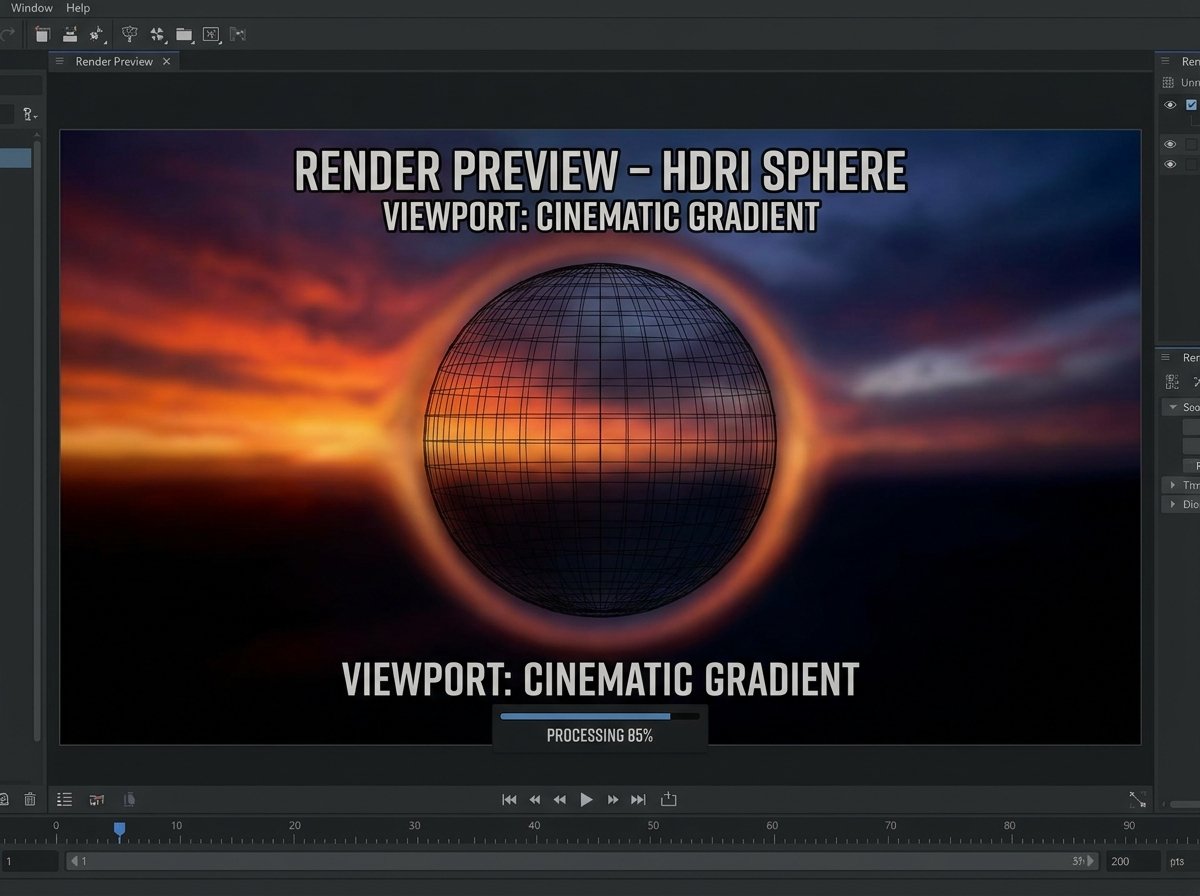
How to Convert Images to HDR Format
If you've landed here, there's a good chance you're setting up lighting in a 3D scene and your renderer just told you it needs an .hdr file, not the JPG environment map you tried to load. HDR image files are a different animal from the HDR photo mode on your phone — here's the actual distinction, and how to convert.
What Is an HDR File?
HDR (High Dynamic Range), often stored using the Radiance file format (.hdr), is an image format that stores a much wider range of brightness values than a standard image. Where a normal JPG or PNG stores 8 bits per color channel — capping brightness at a fixed maximum — an HDR file stores floating-point values that can represent brightness far beyond what a standard display can show at once.
This matters enormously for 3D rendering. A single HDR image can capture the intensity of direct sunlight and the deep shadow of an interior in the same file, without clipping either extreme. That's exactly what's needed for realistic lighting and reflections in software like Blender, Unreal Engine, and Unity.
HDR Photo Mode vs. HDR Image Files: Not the Same Thing
This is the single most common confusion around this format. Your phone's "HDR mode" merges several regular photos at different exposures into one standard JPG or PNG — the output is still an 8-bit image, just with better-balanced lighting. A true .hdr file is fundamentally different: it stores actual floating-point radiance data, not a tone-mapped composite. You can't get a real .hdr file just by taking an HDR photo on your phone.
What HDR Images Are Actually Used For
- Environment maps / HDRIs. 360-degree HDR panoramas are used to light entire 3D scenes realistically, simulating how light from the real environment would hit objects.
- Image-based lighting (IBL). Game engines and render software use HDR data to generate accurate reflections and ambient lighting on materials.
- Scientific and technical imaging. Fields that need to preserve extreme brightness ranges without clipping, like astrophotography, also use HDR formats.
- VFX and compositing. Visual effects pipelines rely on HDR data to composite CGI elements convincingly into real footage.
How to Convert an Image to HDR Online
An online image to HDR converter can generate a valid .hdr file from a standard image:
- Upload your source image (PNG or JPG).
- Select HDR as the output format.
- Convert the file.
- Download the .hdr file for use in your 3D software or render engine.
It's worth understanding the limitation here: converting a standard 8-bit image to HDR format doesn't recover dynamic range that was never captured in the first place. The file will be structurally valid HDR, but it won't have the true extended brightness data that a genuine HDR photograph (captured with bracketed exposures and proper tone-mapping software) would contain. For placeholder textures, quick environment map tests, or software that simply requires the .hdr extension, this is exactly what you need. For professional lighting work, a proper HDRI captured or purchased specifically for that purpose will always look better.
HDR vs. Standard Image Formats
| Feature | JPG/PNG | HDR (Radiance) |
|---|---|---|
| Bit depth | 8-bit per channel | Floating-point, effectively unlimited range |
| Dynamic range | Fixed, clips at extremes | Preserves highlights and shadows together |
| Typical use | Web, photos, general display | 3D lighting, environment maps, VFX |
| File size | Smaller | Larger due to extended data per pixel |
Frequently Asked Questions
Is HDR photo mode the same as an .hdr file?
No. Phone HDR mode produces a standard 8-bit JPG or PNG with better-balanced exposure. A true .hdr file stores floating-point radiance data far beyond what a standard image format can hold.
Can converting a JPG to HDR add real dynamic range?
No. Converting a standard image to the .hdr file format changes the container, not the underlying captured data. True extended dynamic range requires the image to have been captured or generated with that data in the first place.
What software opens HDR files?
3D and rendering software like Blender, Unreal Engine, Unity, and most professional VFX and compositing tools support HDR files natively.
Why do 3D renders need HDR environment maps?
Because they preserve the full brightness range of real-world lighting, HDR environment maps let a renderer calculate realistic reflections, shadows, and ambient light the way a standard image can't.
Is converting to HDR free online?
Yes — tools like the one on hashamismm.online let you convert images to the HDR format for free, without 3D software installed.
Convert Your Image to HDR
If your 3D software or render engine needs a valid .hdr file, you can generate one directly in the browser. Use the free online image to HDR converter to get your file ready in seconds.