Image to WBMP Converter: Complete Guide
WBMP isn't a format most people encounter often, which is exactly why finding a converter for it can be surprisingly hard. If you're maintaining legacy WAP content, embedded device firmware, or an old mobile display system, here's what WBMP actually is and how to get an image converted to it without hunting down obscure desktop software.
What Is a WBMP File?
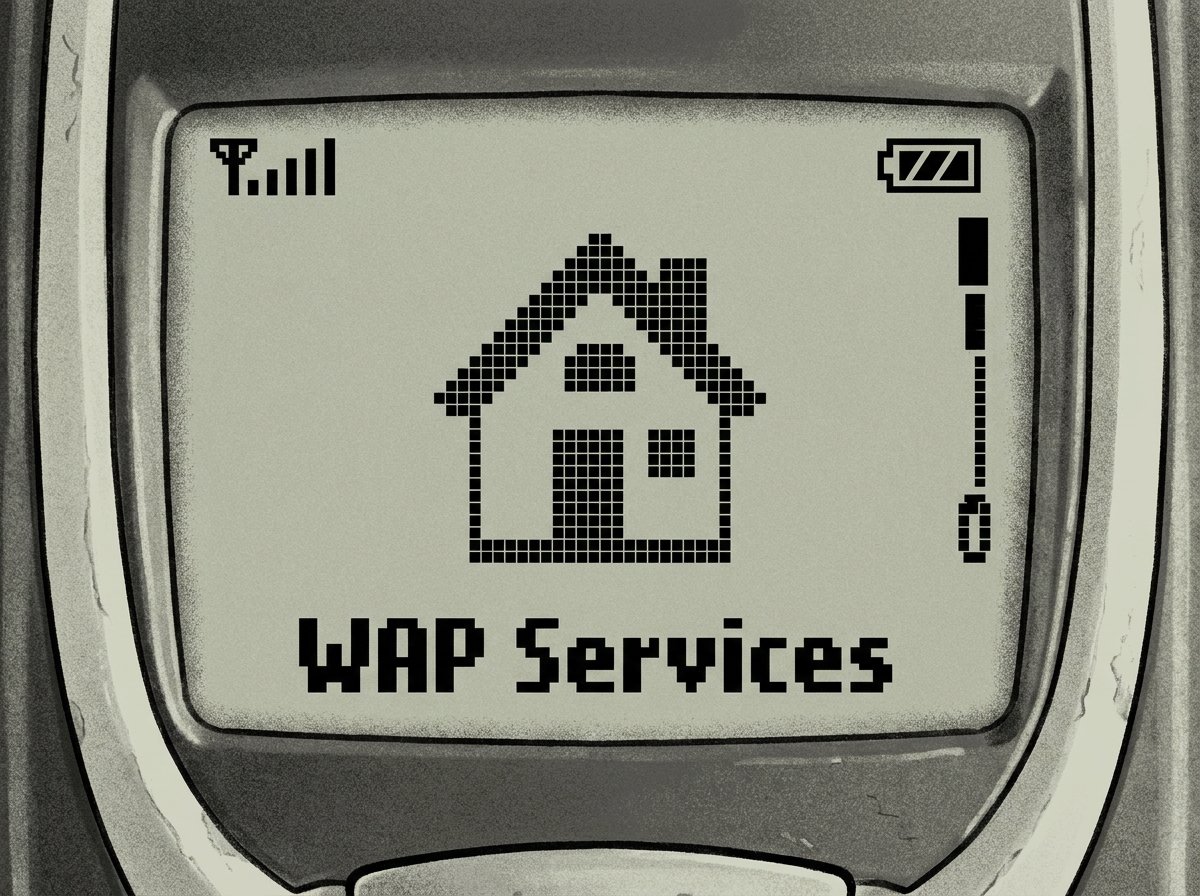
WBMP (Wireless Bitmap) is a monochrome image format designed in the late 1990s for WAP (Wireless Application Protocol) devices — the earliest generation of internet-capable mobile phones, well before smartphones existed. Every pixel in a WBMP file is either black or white; there's no grayscale, no color, and no compression beyond the format's inherent 1-bit-per-pixel structure.
It's a format built for extremely limited hardware: tiny screens, minimal memory, and slow wireless connections. WBMP strips an image down to the smallest possible file size by removing everything except pure black-and-white pixel data.
Who Still Needs WBMP Today?
- Legacy WAP site maintenance. Some regions and industries still run older WAP-based services that were never migrated to modern web standards.
- Embedded and IoT displays. Certain low-power e-ink or monochrome LCD displays in embedded systems use WBMP-style bitmap data for icons and simple graphics.
- Retro device development. Developers building for old J2ME phones or WAP emulators for archival and hobbyist projects still need valid WBMP files.
- Barcode and simple icon rendering. WBMP's minimal, uncompressed 1-bit format makes it useful for very small, high-contrast graphics like status icons.
How to Convert an Image to WBMP Online
Because WBMP support has mostly disappeared from mainstream image editors, an online converter is often the fastest path. Using an image to WBMP converter:
- Upload the source image — a high-contrast image with clear light/dark separation converts best.
- Select WBMP as the output format.
- Convert the file.
- Download the resulting .wbmp file for use in your project or device.
Since WBMP is strictly black and white, the converter automatically applies dithering or thresholding to reduce your image down to 1-bit color. Images with a lot of fine detail or subtle gradients will lose that nuance in the conversion — that's inherent to the format, not a flaw in the tool.
What Happens to Color and Grayscale Images
Since WBMP has no concept of color depth beyond black and white, any color or grayscale image gets reduced during conversion. Most converters use one of two approaches:
| Method | Result | Best For |
|---|---|---|
| Thresholding | Pixels above a brightness value become white, below become black | High-contrast logos, text, icons |
| Dithering | Patterns of black/white pixels simulate grayscale | Photos and images with gradients |
If your source image is a simple logo or icon, thresholding usually gives a cleaner result. For photos, dithering preserves more of the visual structure, even though it's still just black and white pixels.
Common Issues When Converting to WBMP
- Loss of detail. This is expected — WBMP physically cannot store more than 1 bit per pixel, so fine gradients or subtle shading will disappear.
- Unexpected file size. WBMP files are typically tiny, but very large source images (in pixel dimensions) can still produce a bigger-than-expected file, since there's no advanced compression.
- Incompatible dimensions. Some legacy devices expect specific pixel dimensions (like 96x65 for old WAP phones). Check your target device's documentation before finalizing the image.
Frequently Asked Questions
Can WBMP files have color?
No. WBMP is strictly a 1-bit black-and-white format. There is no version of WBMP that supports color or grayscale.
What software still opens WBMP files today?
Most modern operating systems don't open WBMP natively. You'll typically need an image editor with legacy format support, like GIMP, or a dedicated online viewer/converter.
Why would I need WBMP in 2026?
Mainly for legacy WAP system maintenance, embedded device displays that use monochrome bitmap graphics, or retro/archival development projects targeting old mobile hardware.
Will my image look the same after converting to WBMP?
No — color and grayscale detail will be reduced to black-and-white pixels through thresholding or dithering. High-contrast, simple images convert most cleanly.
Is converting an image to WBMP free?
Yes, online converters like the one on hashamismm.online handle WBMP conversion for free, with no software download required.
Convert Your Image Now
If you're working with legacy WAP content or a monochrome embedded display, get your image converted directly in the browser. Use the free online image to WBMP converter to generate a ready-to-use .wbmp file.