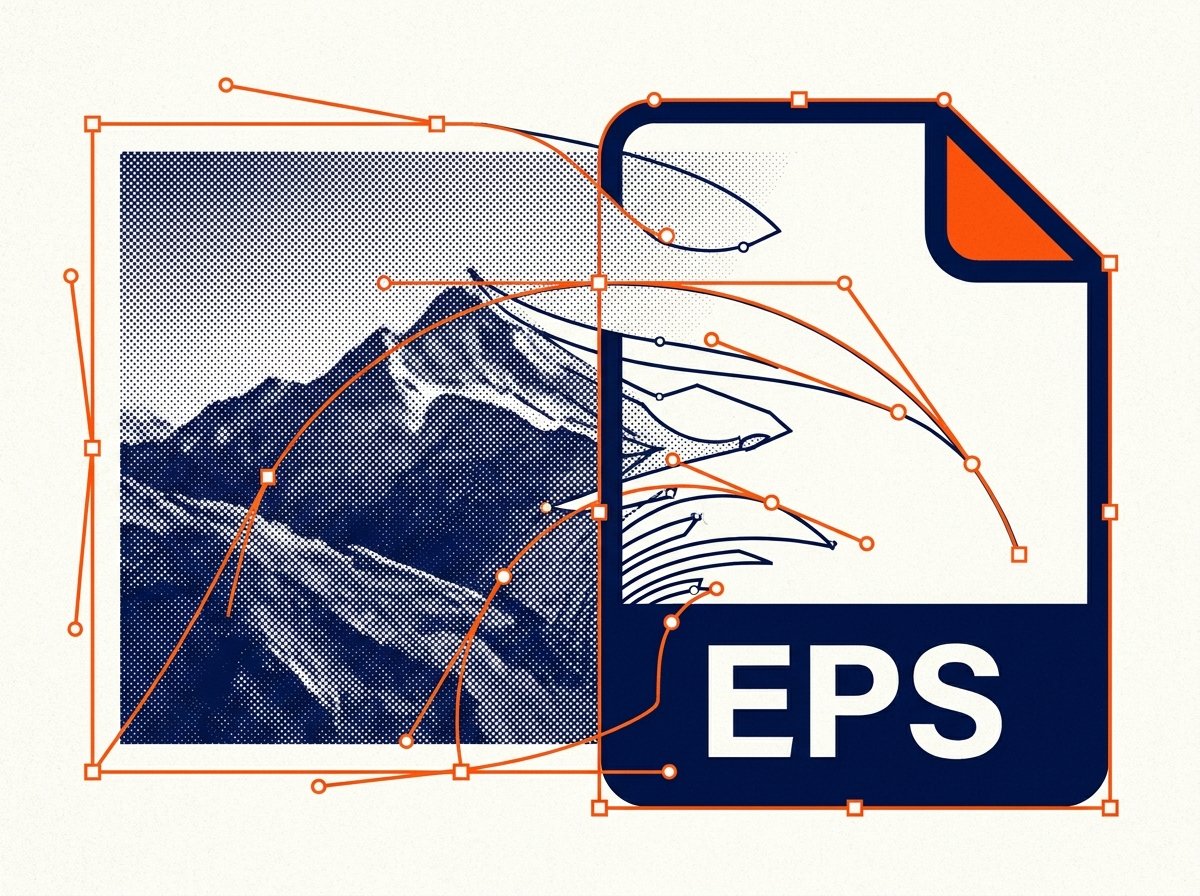
How to Convert Images to EPS Format Online
A print shop, embroidery service, or client's design brief asking for an EPS file is one of the most common format requests that catches people off guard — mostly because EPS behaves differently depending on what you feed into it. Here's what's actually going on with this format, and how to get a usable EPS file from your image.
What Is an EPS File?
EPS (Encapsulated PostScript) is a file format built on the PostScript page description language, originally developed by Adobe for professional printing and publishing workflows. What makes EPS unusual compared to formats like PNG or JPG is that it was designed primarily to hold vector graphics — paths, shapes, and text defined mathematically — though it can also embed raster (pixel-based) image data.
This is why EPS remains a standard requirement in print production, packaging design, and embroidery/signage industries: it works reliably across professional design software like Adobe Illustrator, CorelDRAW, and various RIP (raster image processor) systems used by commercial printers.
The Important Catch: Raster Image to EPS Isn't "True" Vector
This is the part that trips people up most. If you convert a JPG or PNG (raster/pixel-based images) to EPS, you get a valid EPS file — but the image data inside it is still raster. Wrapping a photo in an EPS container doesn't magically turn it into scalable vector art. It will look identical to the original at its original resolution, and it will pixelate if scaled up significantly, exactly like the source JPG or PNG would.
True vector EPS files — the kind used for logos that need to scale infinitely without quality loss — are created by drawing or tracing paths in software like Illustrator, not by converting a photograph. If a print shop specifically needs vector artwork (common for large-format printing, engraving, or embroidery digitizing), a raster-to-EPS conversion of a photo won't meet that requirement.
When a Raster-to-EPS Conversion Works Fine
- Print software that only accepts EPS as a container format, regardless of whether the content is vector or raster.
- Placing an image into a page layout program (like older InDesign or QuarkXPress workflows) that expects EPS for embedded images.
- Compatibility with legacy design pipelines where EPS is the standard image exchange format across departments.
- Print shops requesting EPS purely as a delivery format, not specifically requesting vector artwork.
How to Convert an Image to EPS Online
For raster images that need to be wrapped in a valid EPS container, an online image to EPS converter handles it directly:
- Upload your image (JPG, PNG, or similar raster format).
- Select EPS as the output format.
- Convert the file.
- Download the .eps file and send it to your print shop or import it into your design software.
Raster vs. Vector: Quick Reference
| Type | Made of | Scales without quality loss? | Typical source |
|---|---|---|---|
| Raster | Pixels | No | Photos, JPG, PNG, screenshots |
| Vector | Mathematical paths | Yes | Illustrator/CorelDRAW artwork, logos |
If you genuinely need scalable vector artwork — for a logo that will appear on both a business card and a billboard — that requires tracing or redrawing the image in vector software, not a format conversion. If you just need the file to have an .eps extension for compatibility with a print system, converting your existing raster image works fine.
Common Issues When Converting to EPS
- Print shop rejects the file for not being "true vector." Clarify with them whether they need vector artwork specifically, or just an EPS-formatted file — the two requests are often confused even by the print shop's own intake staff.
- Large file sizes. EPS files wrapping high-resolution raster images can be significantly larger than the original JPG or PNG due to the PostScript container overhead.
- Software compatibility. Some newer design tools have limited or read-only EPS support, since Adobe has been gradually shifting recommendations toward formats like PDF and AI.
Frequently Asked Questions
Does converting a photo to EPS make it a vector image?
No. Converting a raster photo to EPS wraps the pixel data in an EPS container but doesn't create true vector paths. The image will still pixelate if scaled up significantly, just like the original JPG or PNG.
Why do print shops ask for EPS files?
EPS has long been a standard format in commercial printing and publishing workflows because of its compatibility with PostScript-based printing systems and professional design software.
Can I open an EPS file without Adobe Illustrator?
Some image viewers and other design tools (like CorelDRAW or Inkscape) can open EPS files, though rendering fidelity can vary depending on what's inside the file.
What's the difference between EPS and AI files?
AI (Adobe Illustrator) is Illustrator's native vector format. EPS is an older, more universally compatible container format that can hold vector or raster data and is readable by a wider range of software.
Is EPS conversion free online?
Yes — you can convert a raster image to EPS for free using a tool like the one on hashamismm.online, without needing Illustrator installed.
Convert Your Image to EPS
If your print shop or design software requires an EPS file, you can generate one directly from your existing image. Use the free online image to EPS converter to get a ready-to-use file in seconds.