How to Convert Images to APNG (Animated PNG)
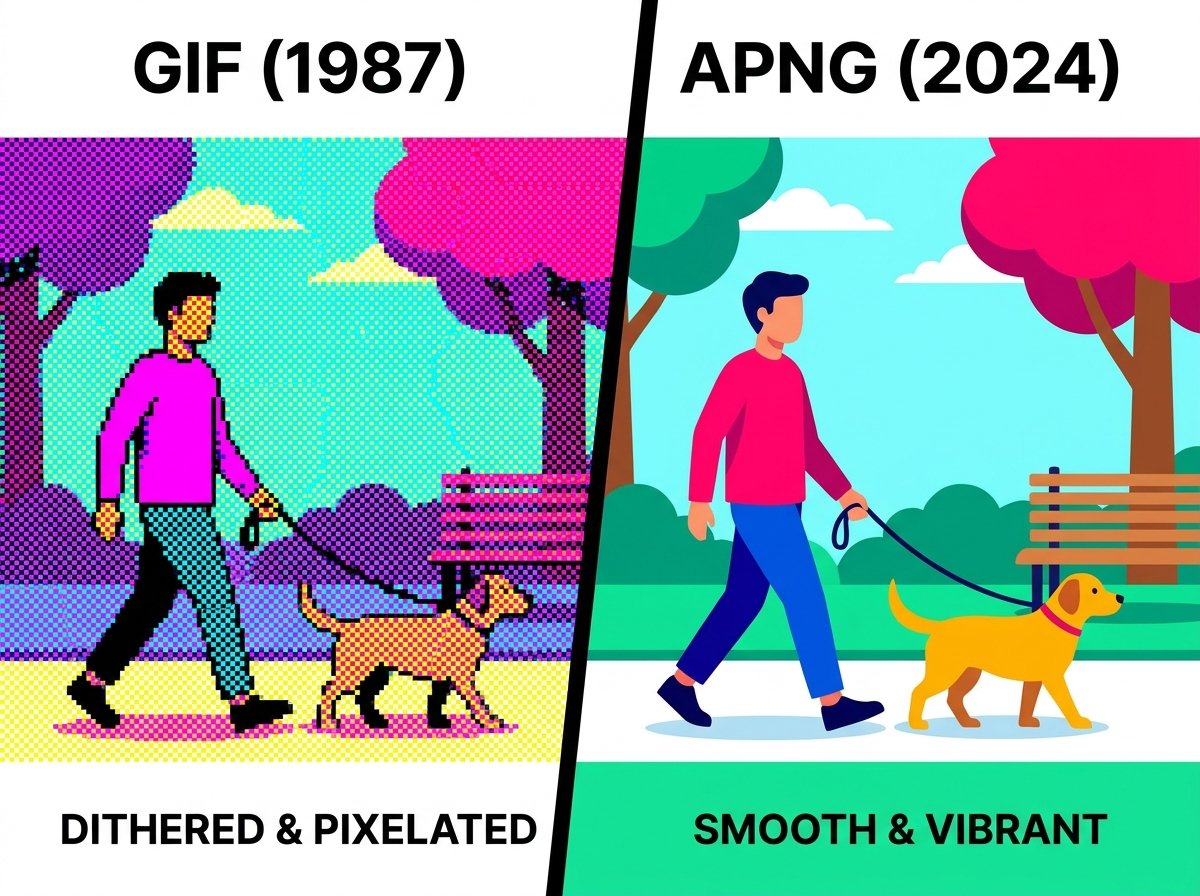
GIF has a reputation problem: everyone knows what it is, but almost nobody likes what it does to image quality. APNG exists as the quieter, better alternative — full 24-bit color, real alpha transparency, and no dithered gradients. If you're tired of your animations looking like they're from 2005, here's how APNG fixes that and how to convert.
What Is an APNG File?
APNG (Animated Portable Network Graphics) is an extension of the standard PNG format that adds support for animation, while remaining backward-compatible — a non-animation-aware viewer will simply display the first frame as a static PNG. Unlike GIF, which is limited to a 256-color indexed palette, APNG supports full 24-bit color plus an 8-bit alpha channel, meaning true transparency and smooth color gradients without banding or dithering artifacts.
APNG vs. GIF: Why It's Almost Always the Better Choice
| Feature | GIF | APNG |
|---|---|---|
| Color palette | 256 colors max | Full 24-bit (16.7 million colors) |
| Transparency | 1-bit (hard edges only) | 8-bit alpha (smooth, real transparency) |
| Compression | LZW, less efficient for photos | PNG-based, generally more efficient |
| Browser support | Universal | Supported by all major modern browsers |
| Visual quality | Banding/dithering on gradients | Smooth gradients, no banding |
The one place GIF still has an edge is raw universality — every piece of software from the last 30 years reads GIF. APNG support is now standard across Chrome, Firefox, Safari, and Edge, but some older or more obscure platforms (certain messaging apps, specific CMS plugins) may still only accept GIF specifically.
When to Use APNG Over GIF
- Animations with transparency and soft edges — like a logo animation over varying backgrounds — where GIF's hard-edged transparency looks jagged.
- Animated illustrations or UI elements with smooth color gradients, where GIF's limited palette causes visible banding.
- Loading indicators, icons, and small UI animations where visual polish matters and modern browser support is guaranteed.
- Replacing video-based GIFs converted from short clips, where APNG can preserve noticeably more color fidelity.
How to Convert an Image to APNG Online
Using an online image to APNG converter:
- Upload your source file — this can be a GIF you want to upgrade, or a sequence of still frames.
- Select APNG as the output format.
- Convert the file.
- Download the .apng (or .png with animation data) file for use on your site or in your app.
If you're converting an existing animated GIF, the biggest visible improvement will be in any frame with gradients or semi-transparent elements — those areas that looked dithered or banded in GIF will render cleanly in APNG.
Common Issues When Converting to APNG
- Larger file sizes for complex animations. Because APNG doesn't use palette-based compression like GIF, highly complex animations with many unique frames can sometimes produce larger files. For most short UI animations and simple loops, this isn't a significant issue.
- Older software compatibility. A small number of platforms and older applications still only recognize GIF for animated content. Check your target platform's requirements before fully switching over.
- Frame timing inconsistencies. When converting from GIF, make sure frame delay/timing data carries over correctly — some converters default to a fixed frame rate rather than preserving variable timing.
Frequently Asked Questions
Is APNG better than GIF?
For visual quality, yes — APNG supports full color and real alpha transparency, avoiding the banding and jagged edges common in GIF. GIF still has a slight edge in universal compatibility with very old software.
Do all browsers support APNG?
Yes, all major modern browsers — Chrome, Firefox, Safari, and Edge — support APNG natively as of recent versions.
Can I convert a GIF to APNG?
Yes, converting an existing GIF animation to APNG is one of the most common uses for this format — it upgrades the color depth and transparency without changing the animation content.
Will an APNG file work if the viewer doesn't support animation?
Yes. APNG is designed to be backward-compatible with standard PNG viewers — non-animation-aware software will simply display the first frame as a static image.
Is converting images to APNG free?
Yes — tools like the one on hashamismm.online let you convert to APNG for free, directly in your browser.
Convert Your Animation to APNG
If you're ready to move past GIF's color and transparency limitations, converting is quick. Use the free online image to APNG converter to get a smoother, higher-quality animated file.